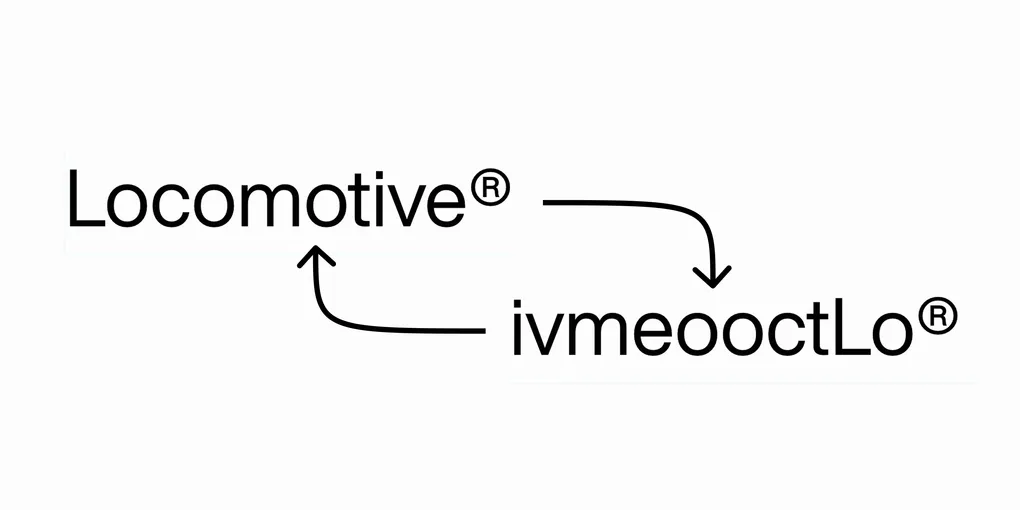
Implementing the Locomotive Shuffle
The Locomotive® website features links that shuffle when hovered. This post covers how you can do the same with GSAP.

Breaking it down
The first step to building anything is understanding it.
Slow down the GIF above and you’ll find that the animation cycles through 3 different shuffled versions of the original text.
Locomotive > vtciLemooo > oLtieomcvo > omoivctLoe
The shuffled text is randomized - it changes on every hover, and the animation appears to last roughly 250 milliseconds.
Avid GSAP users might immediately think of the ScrambleText plugin, but this is probably overkill for a relatively simple effect. Plus, this plugin is better stuited for scrambling text, as opposed to shuffling it.
On mouseover, the animation begins cycling through the three shuffled text variations. It stops after three and returns to the original text - the animation ends on its own. The animation is killed if the mouse leaves early.
Now that we better understand the behaviour, we can get our hands dirty! 🤗
Building it up
First, let’s introduce a link on which to apply the effect.
<a href="#">
<span data-hover-shuffle>Locomotive</span>
®
</a>We use a custom HTML data attribute to target the element(s) we want to shuffle. Notice how we’re targeting the span containing “Locomotive” - we’re omitting the trademark symbol from the effect. So far, this gives us:

Next, let’s write a function that accepts a string and returns a shuffled version of it. We can implement it using the Fisher-Yates shuffle so that each permutation is unbiased.
function shuffle(input: string): string {
  const chars = input.split('')
  for (let i = chars.length - 1; i > 0; i--) {
    const j = Math.floor(Math.random() * (i + 1))
    const tmp = chars[i]
    chars[i] = chars[j]
    chars[j] = tmp
  }
  return chars.join('')
}
We can now shuffle the text on hover like so:
const target = document.querySelector(
    '[data-hover-shuffle]'
) as HTMLSpanElement

target.addEventListener('mouseenter', () => {
    target.innerText = shuffle(
        target.innerText
    )
})
Let’s use a GSAP timeline to introduce consecutive shuffles.
target.addEventListener('mouseenter', () => {
  const tl = gsap.timeline()

  const duration = 0.25
  const totalShuffles = 4
  const timeBetweenShuffles = duration / totalShuffles

  for (let i = 0; i < totalShuffles; i++) {
    tl.add(() => {
      target.innerText = shuffle(target.innerText)
    }, timeBetweenShuffles * i)
  }
})
We’re already pretty close! In order to revert back to the original string, we’ll store a copy of it in a short-lived aria-label attribute. Why aria-label? So that the contents of the link is still interpretable to screen readers. 😉
target.addEventListener('mouseenter', () => {
    target.setAttribute('aria-label', target.innerText)
    const tl = gsap.timeline({
        onComplete: () => {
        target.innerText = target.getAttribute('aria-label') as string
        target.removeAttribute('aria-label')
        },
    })

    const duration = 0.25
    const totalShuffles = 4
    const timeBetweenShuffles = duration / totalShuffles

    for (let i = 0; i < totalShuffles; i++) {
        tl.add(() => {
        target.innerText = shuffle(target.innerText)
        }, timeBetweenShuffles * i)
    }
})
Now, let’s kill the animation on mouseleave. We’ll have to store the timeline in a global variable to access it from the mouseleave callback.
let tl: gsap.core.Timeline | null = null

target.addEventListener('mouseenter', () => {
    target.setAttribute('aria-label', target.innerText)
    tl = gsap.timeline({
        onComplete: () => {
        target.innerText = target.getAttribute('aria-label') as string
        target.removeAttribute('aria-label')
        },
    })

    // ...rest of previously defined callback
})

target.addEventListener('mouseleave', () => {
    tl && tl.kill()
    if (target.getAttribute('aria-label')) {
        target.innerText = target.getAttribute('aria-label') as string
        target.removeAttribute('aria-label')
    }
})
And that’s (basically) it!
Note that each word in multi-word links on the Locomotive website shuffle individually, which our implementation doesn’t achieve. If you’d like to see that too, let me know!
Code
<!DOCTYPE html>
<html lang="en">
<head>
<style>
body {
height: 100dvh;
display: flex;
flex-direction: column;
justify-content: center;
align-items: center;
font-size: 24px;
}
</style>
</head>
<body>
<a href="#"><span data-hover-shuffle>Locomotive</span>®</a>
<script>
import gsap from 'gsap'
function shuffle(input: string): string {
const chars = input.split('')
for (let i = chars.length - 1; i > 0; i--) {
const j = Math.floor(Math.random() * (i + 1))
const tmp = chars[i]
chars[i] = chars[j]
chars[j] = tmp
}
return chars.join('')
}
let tl: gsap.core.Timeline | null = null
const target = document.querySelector(
'[data-hover-shuffle]'
) as HTMLSpanElement
target.addEventListener('mouseenter', () => {
target.setAttribute('aria-label', target.innerText)
tl = gsap.timeline({
onComplete: () => {
target.innerText = target.getAttribute('aria-label') as string
target.removeAttribute('aria-label')
},
})
const duration = 0.25
const totalShuffles = 4
const timeBetweenShuffles = duration / totalShuffles
for (let i = 0; i < totalShuffles; i++) {
tl.add(() => {
target.innerText = shuffle(target.innerText)
}, timeBetweenShuffles * i)
}
})
target.addEventListener('mouseleave', () => {
tl && tl.kill()
if (target.getAttribute('aria-label')) {
target.innerText = target.getAttribute('aria-label') as string
target.removeAttribute('aria-label')
}
})
</script>
</body>
</html>